Bug 22526026
For this bug, one of our developers found, We installed the patch on our OSB server 12.2.1.0. This made sure that our developer could go on developing his OSB service. We wanted to know if this bug is fixed in the next release of the Oracle SOA Suite 12.2.1.3.0, that was allready released. So I created a simple OSB service, with a lot of hassle as I blogged in this part,
I discovered that Oracle released an Virtualbox with that newer release so I downloaded this one. It was shipped with a complete Desktop and SOA QS 12.2.1.3.0 and the complete server install. This is really cewl, because some of the features are not available on the integrated SOA QS Server. Think about BAM and MFT and other nifty stuff you want to play around with.
So for my test case I found out that after starting the Adminserver and the OSB Server, I also had to start the SOA Server for the OWSM policies.
Recreating the situation
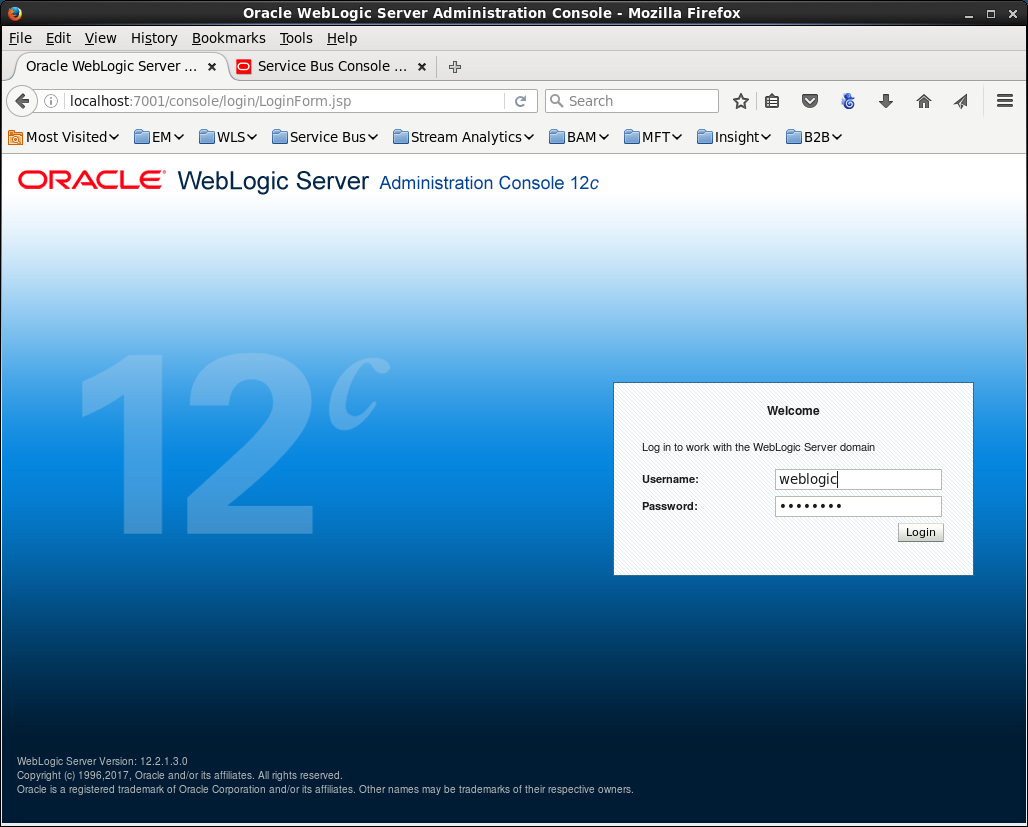
Login at the console
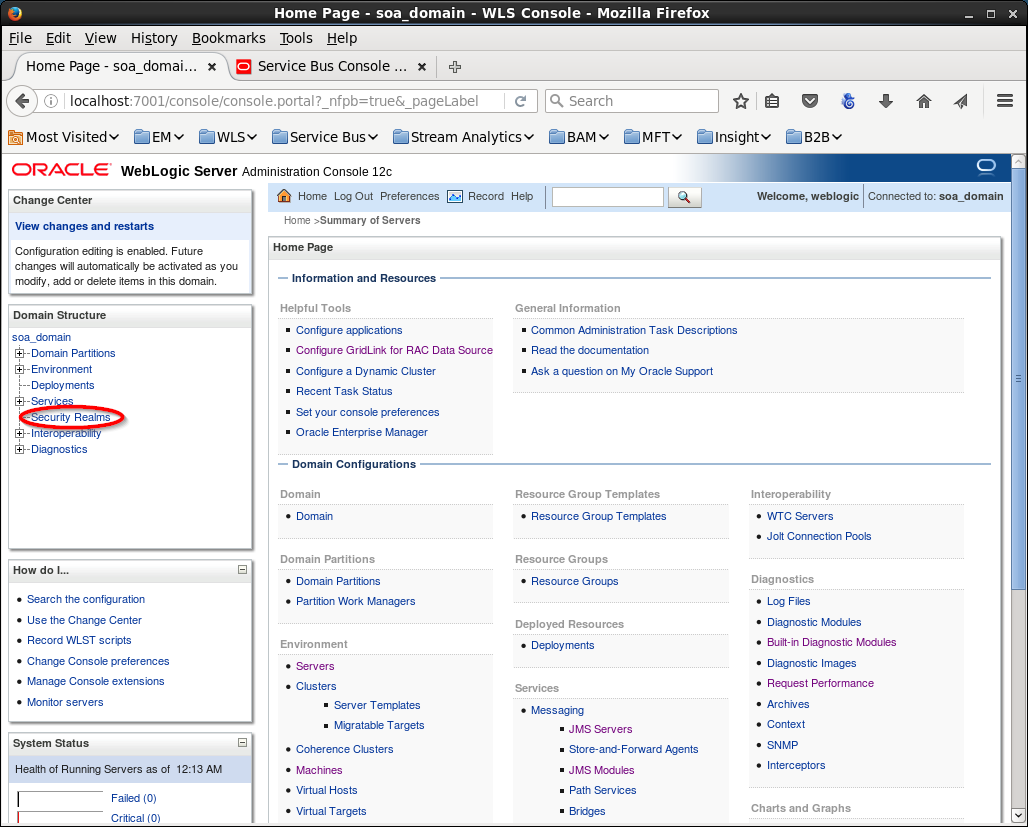
Click on the Security Realms link on the left
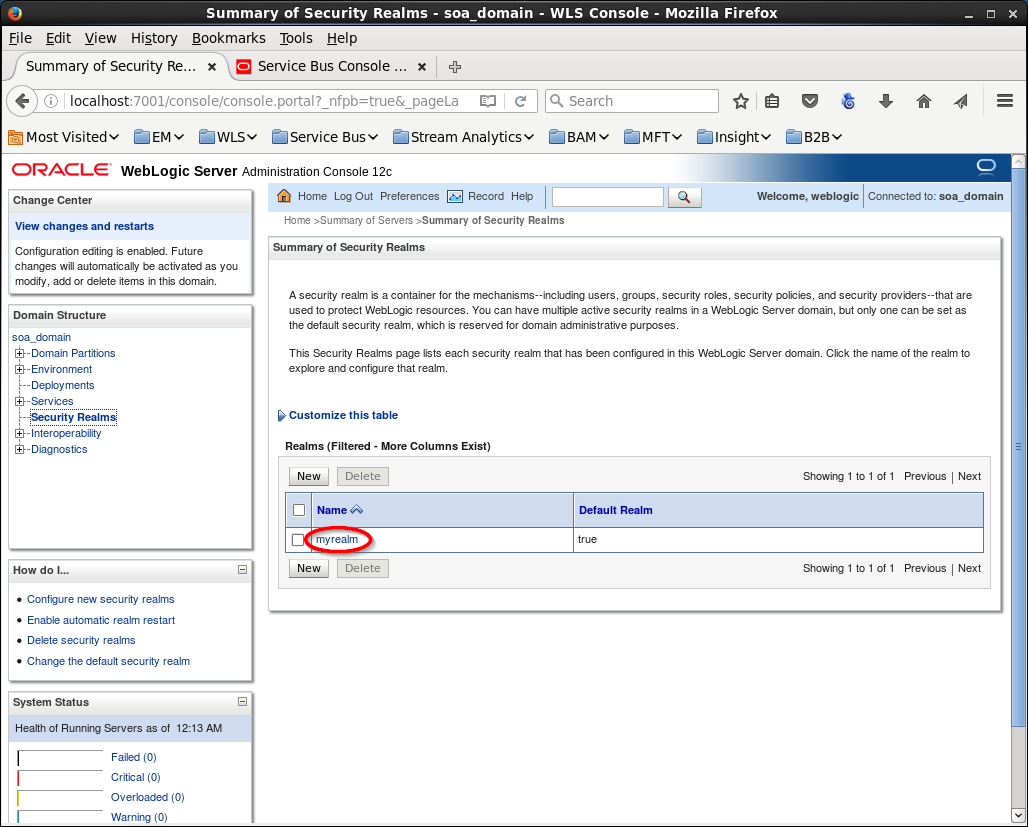
Continue to click on the MyRealm link
And select the tab “Users and Groups”
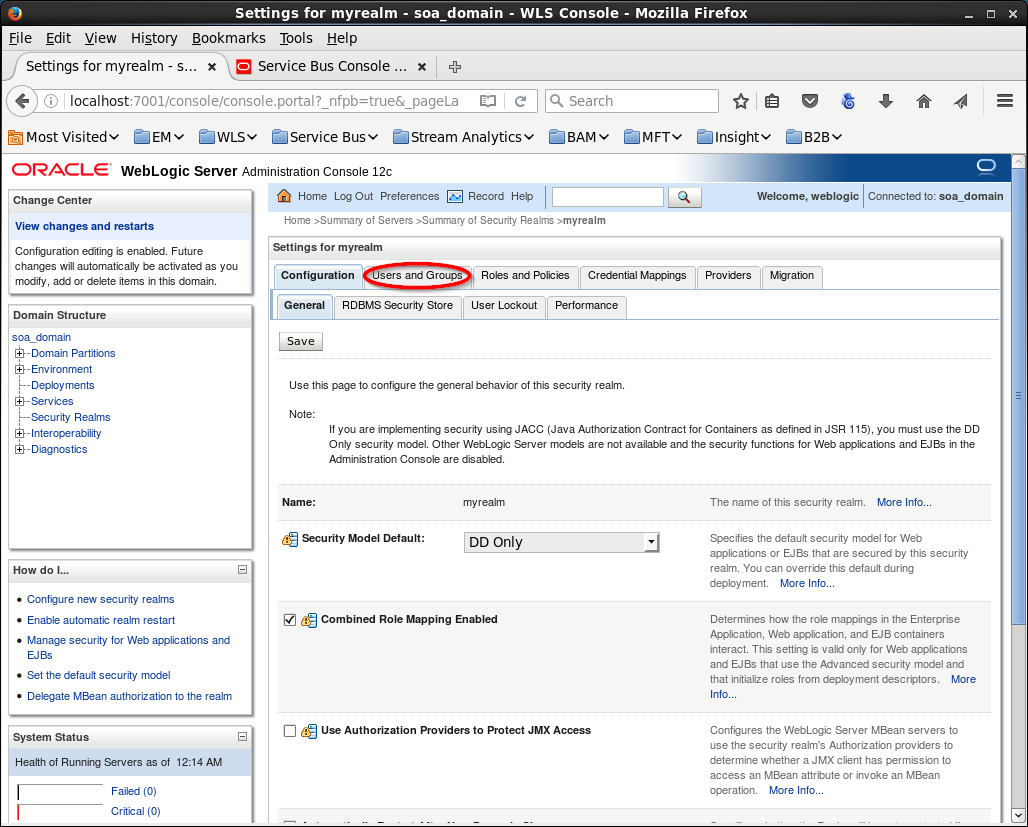
Select the tab “Groups” and click on button “New” to go to the Group information screen
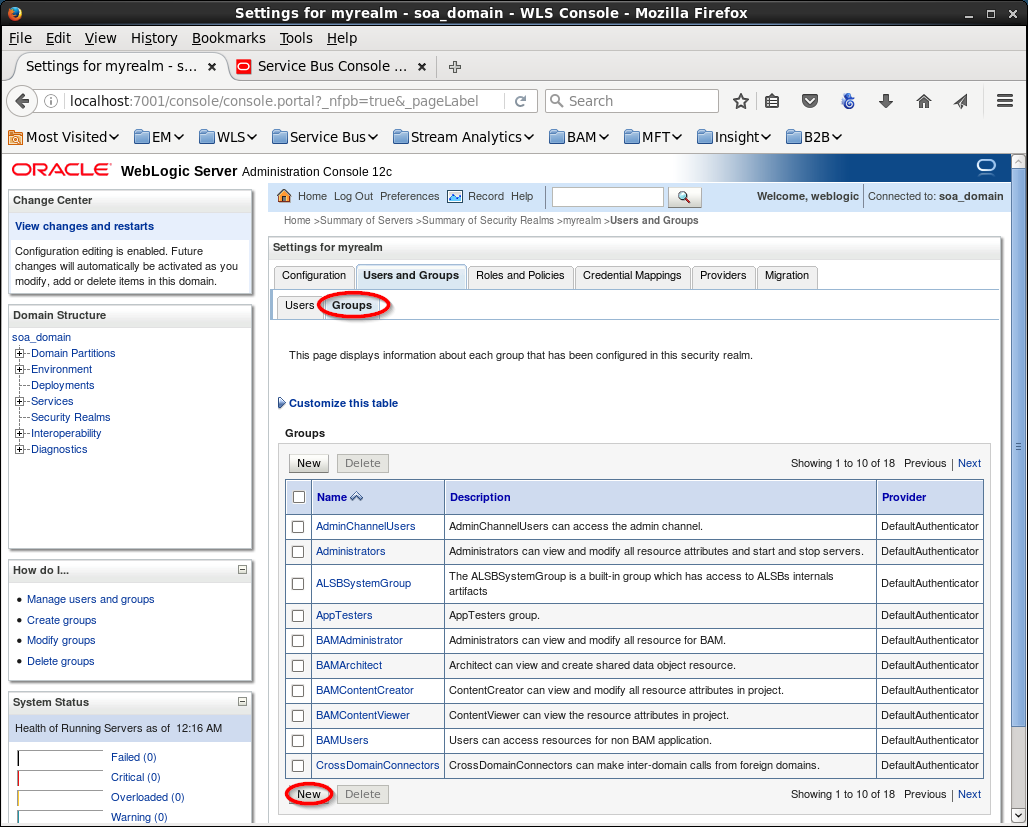
Some information to identity where this group is for and “OK” to create the group:
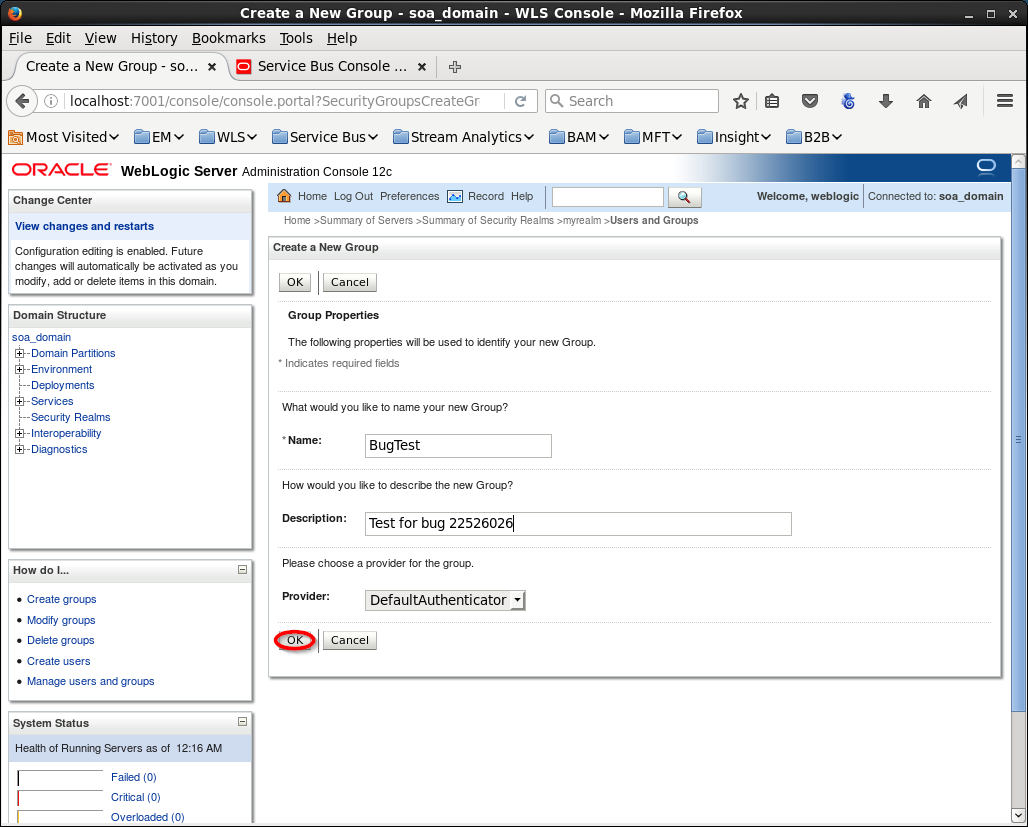
After that select the tab “Users” and click on the “New” button to create a new user:
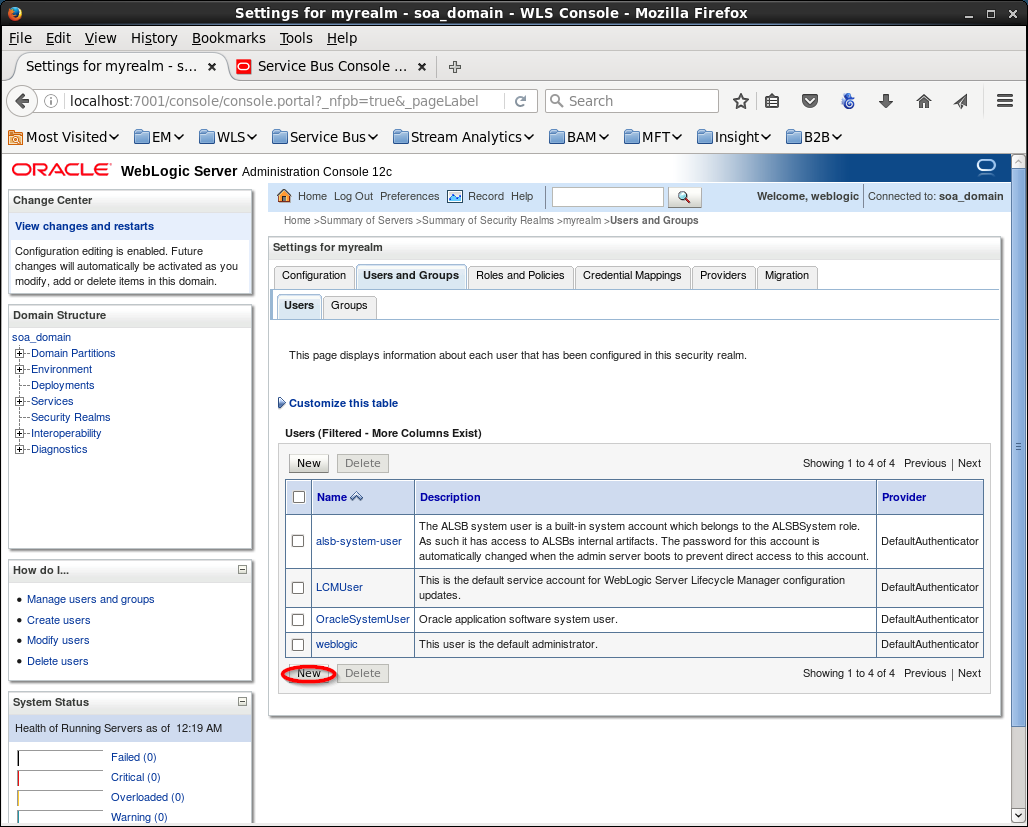
Insert information about this user:
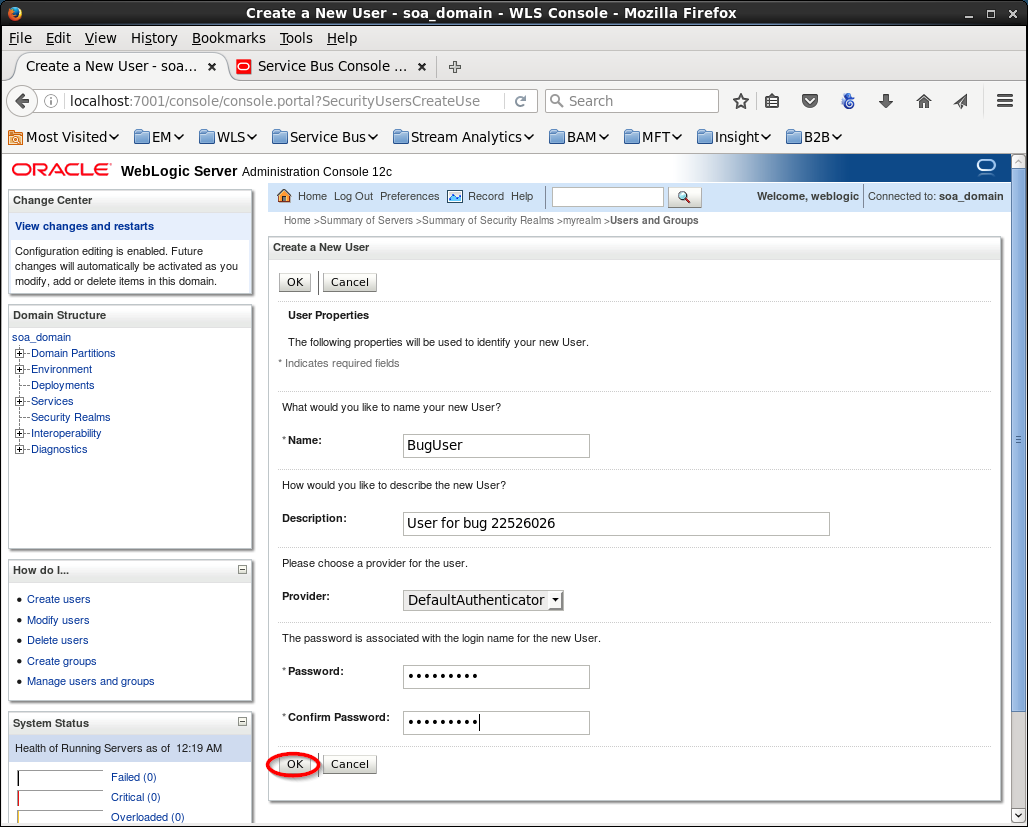
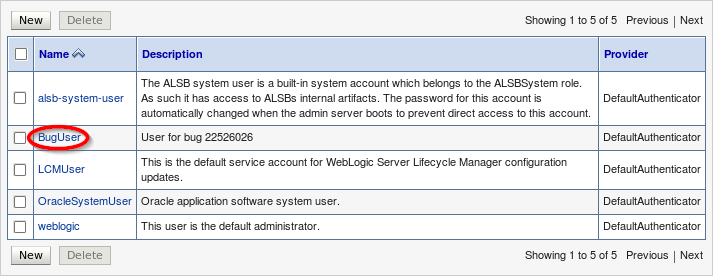
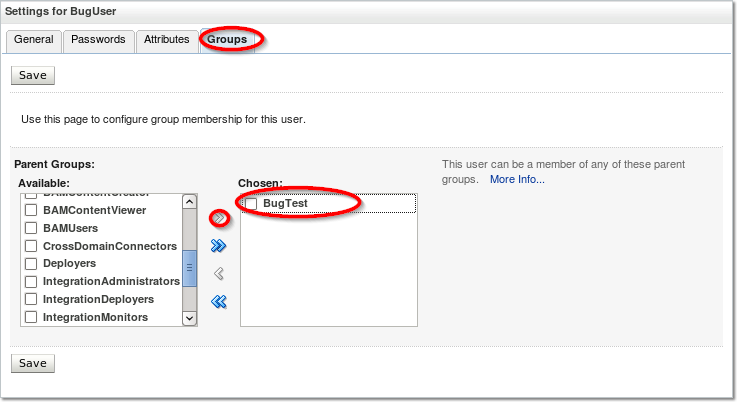
After creating this user we have to make sure that the user is in the BugTest group:
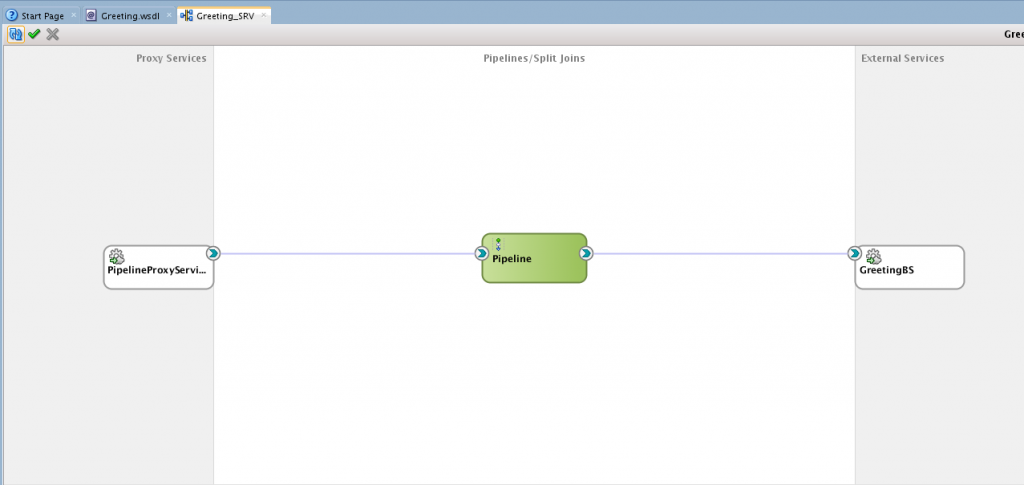
I allready created a simple HelloWorld Service that uses an extra service for the real greeting.
So lets try to add a policy to the Proxy service and after that we add the group to the policy and see if the same error occurs.
To get to this point we have to login at the sbconsole:
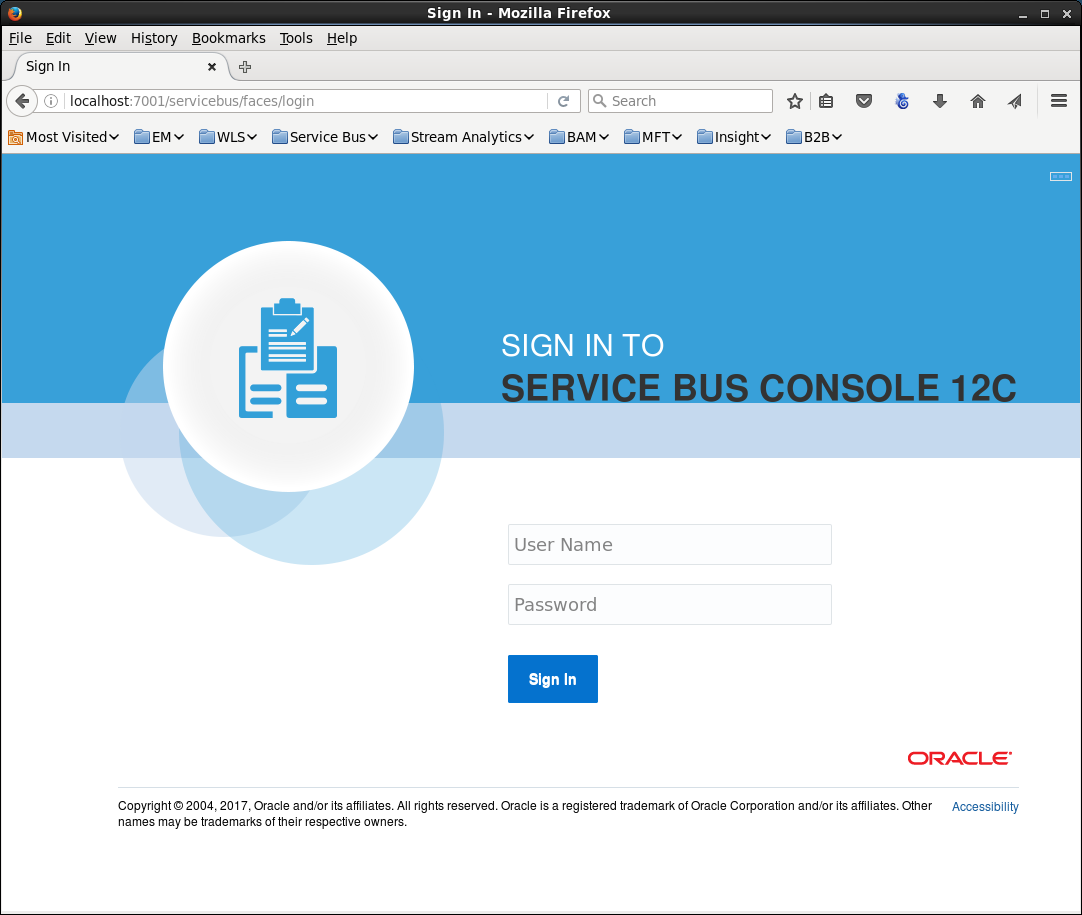
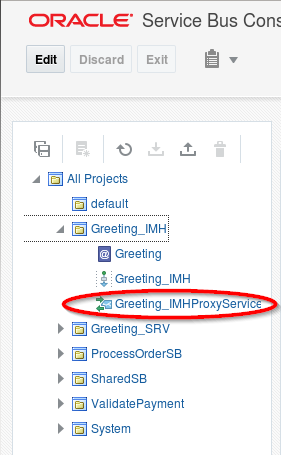
Go to the proxy you would like to add the policy to:
Click on the “Edit” button in the upper left corner:
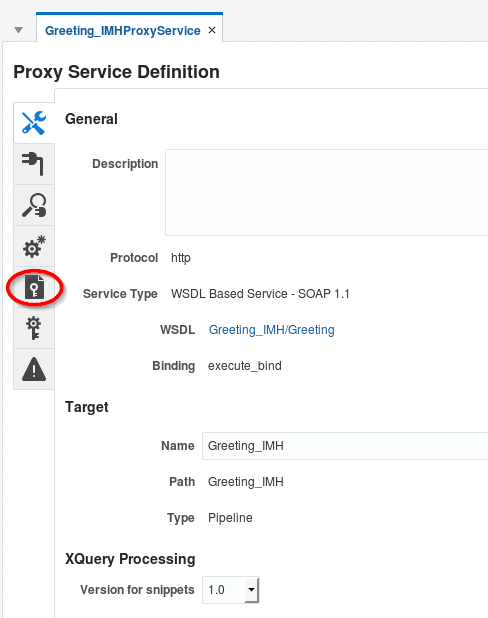
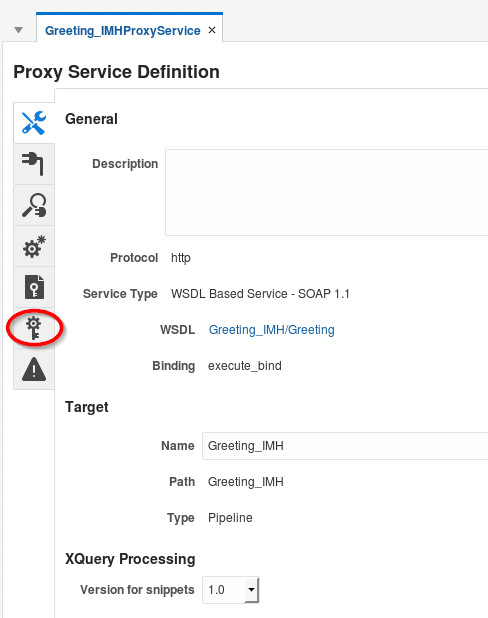
Go to the Policies part:
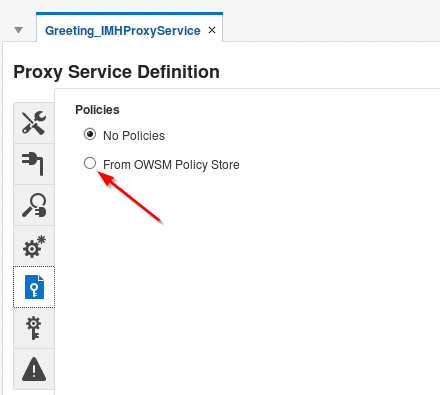
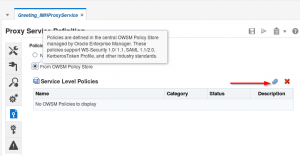
Add the wss username policy by clicking the paperclip:
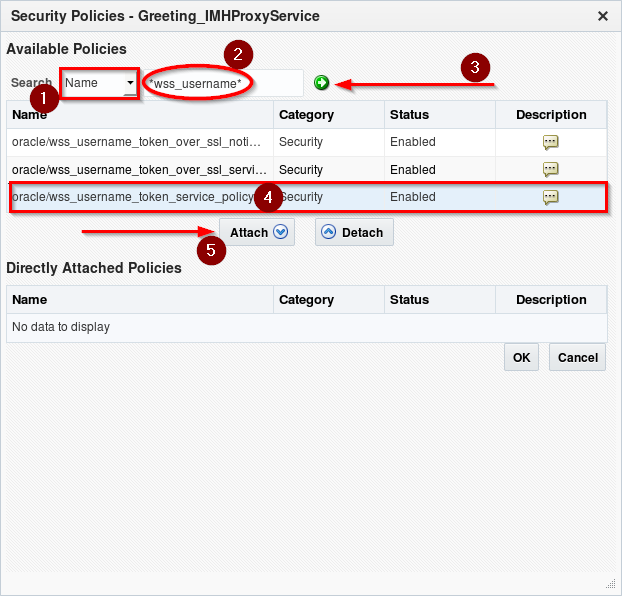
Now you have to search for the desired policy and while selected, click on the attach button:
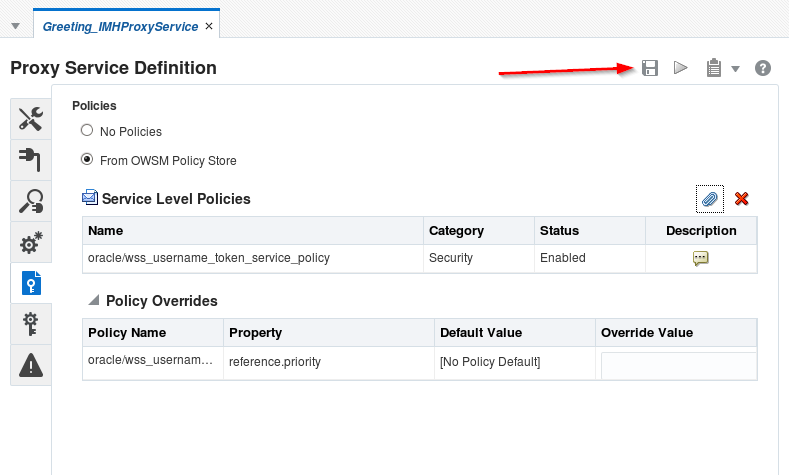
After clicking on OK, you can leave the default override screen and remember to click on the save button:
After that we have to add our desired security settings (our bug!):
Now in this screen we can add users or groups that have access.
So normally the selected username wss policy grants all weblogic users to call the webservice.
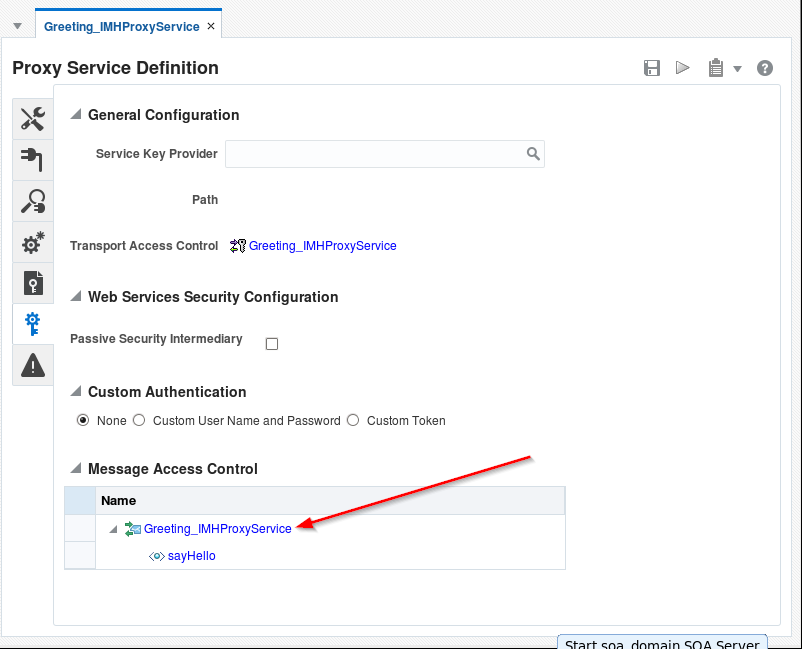
Now we want to override this default and make sure only selected users/groups can call this webservice.
To do this click on the Service name in the Message Access Control part
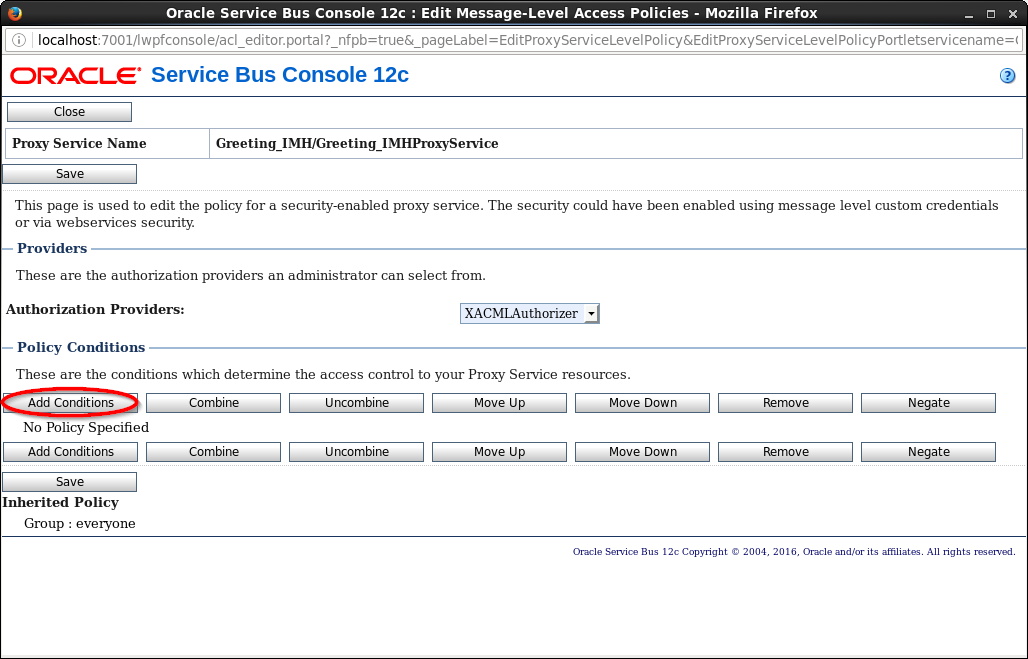
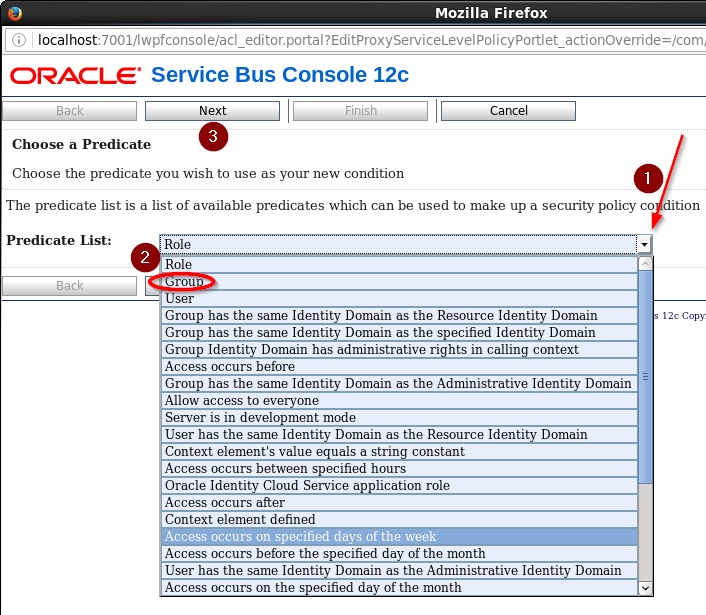
select Groups in the dropdown box and click on Next
You have to type the Group Name(that’s why you shouldn’t use this policy for autorisation..really!) and make no mistakes. This part will not check if the group or user exists!
So in my example I have to add the Group: BugTest.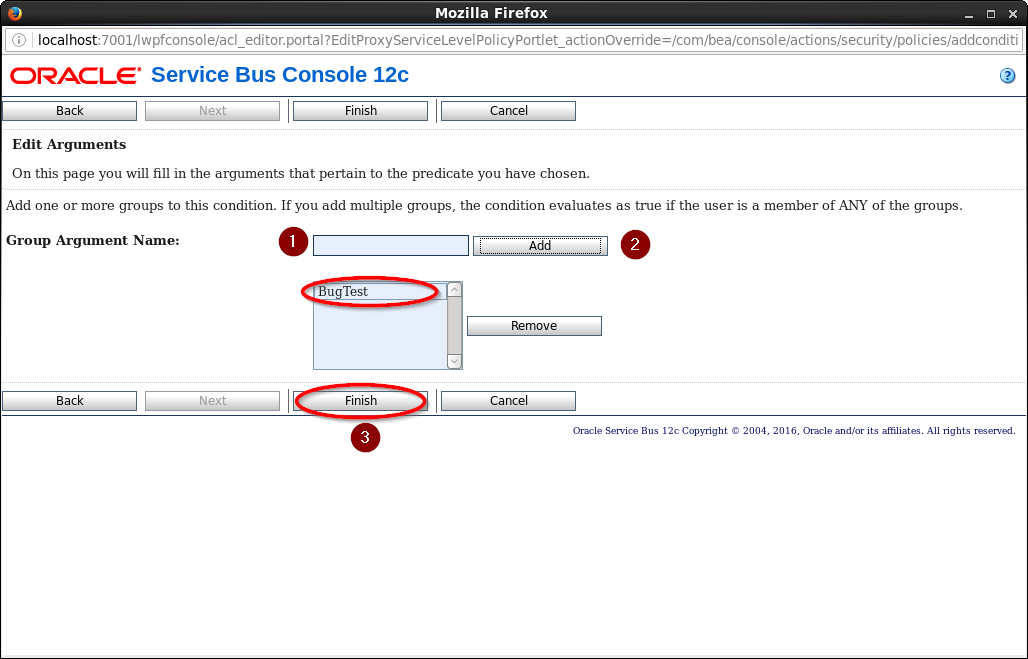
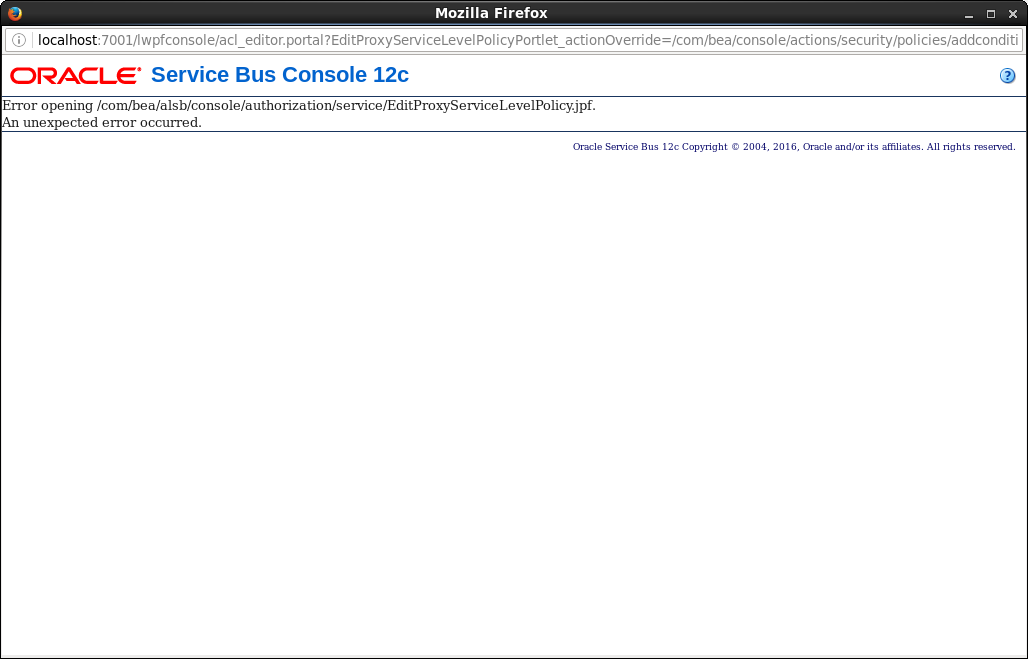
and Oh My, there is a bug:
Patch 22526026
So lets get patching. Reading the readme.txt and I saw some stuff that was different on my install: the $ORACLE_HOME is pointing to a DB install directory and not my FMW. Using a different Java Location, because there was no JDK/JRE installed in my FMW home. The default: /usr/java/default is used for this installation.
So altered my ORACLE_HOME into:
export ORACLE_HOME=/u01/app/oracle/fmw/12.2
so lets check the OPatch lsinventory:
$ opatch lsinventory
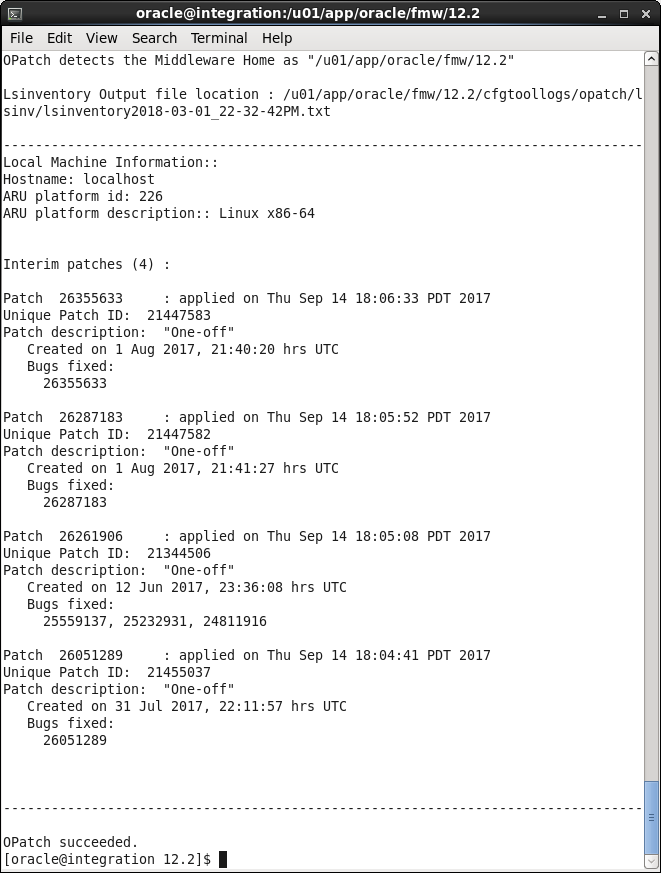
Now I know that this could lead to some problems, because there are a couple of One-off patches installed:
26355633
26287183
26261906
26051289
So lets try and install our patch. I didn’t stop my servers, just to see if this can work. It states in the Readme that it is a rolling patch. It will not work if you don’t have a FMW_ROLLING_ORACLE_HOME.
For more information, consult the My Oracle Support MOS Note: 1942159.1
opatch version number is:
13.9
go to the directory where the opatch is and apply opatch:
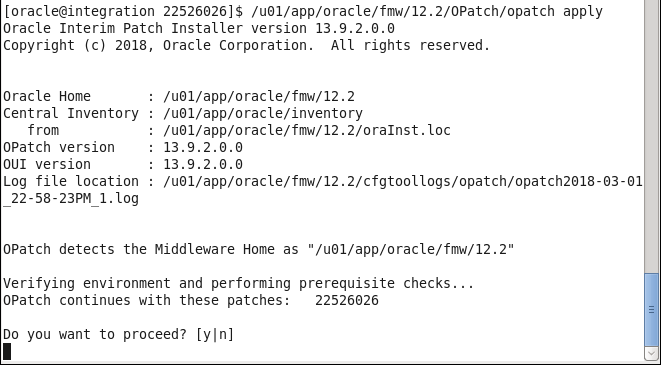
The installer indeed states that the servers should be stopped.